moldsounds
Interactive physarum
Interactive physarum/organic simulations, mostly for an installation with gamepad control. But you can also try it with mouse and keyboard. It’s not meant to be scientific, but rather playful and aesthetically pleasing. See explanation article to see how it works.
See how to compile and run section to run it yourself.
Please check out 36 Points by Sage Jenson (mxsage) first: https://www.sagejenson.com/36points/ Press 0-9, A-Z for different Points (different simulation parameters).
License:
License Creative Commons Attribution-NonCommercial-ShareAlike 3.0 Unported License
Crediting:
Work derived from mxsage’s 36 points (https://www.sagejenson.com/36points/) but with a different implementation. Before studying mxsage’s code I already had a physarum simulation implementation (already inspired by their work). I modified my implementation to use the most important features of their algorithm. I am using atomic counters on pixels and this is different. No fragment or vertex shader, only compute shader. I am using the set of parameters from 36 Points. Some work well, some don’t, I had to tune stuff. Currently, 17 points that seem to work quite well are used.
The license from 36 points is reproduced here.
Some text for crediting is displayed all the time on screen (bottom left corner). More crediting is shown when pressing the trigger of the gamepad that shows more information.
Screenshots
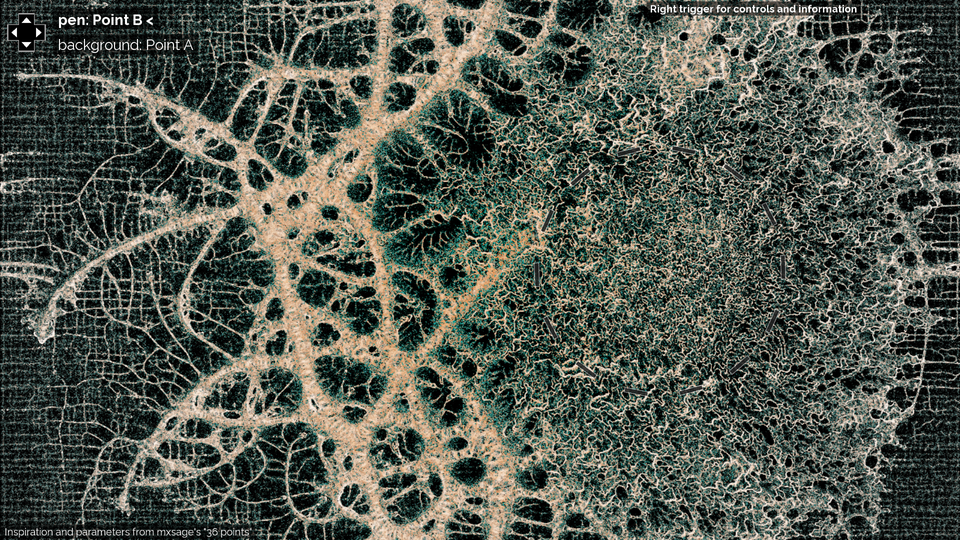
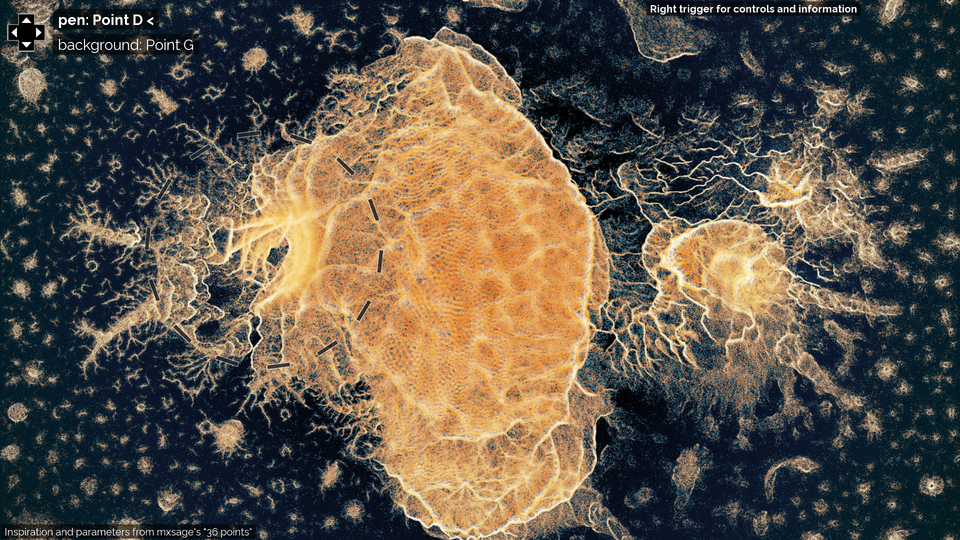
Some screenshots to give a little taste of the project!
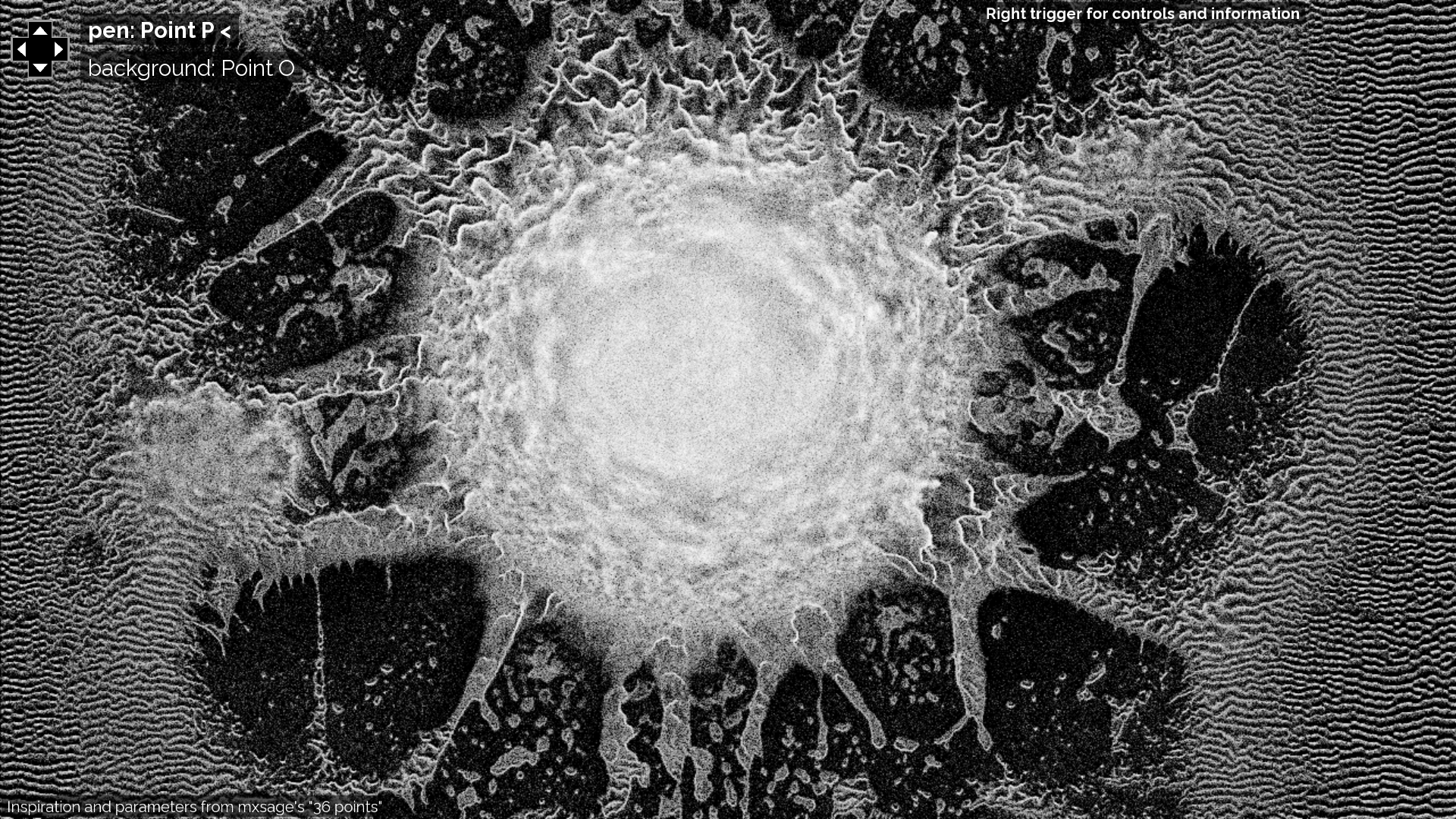
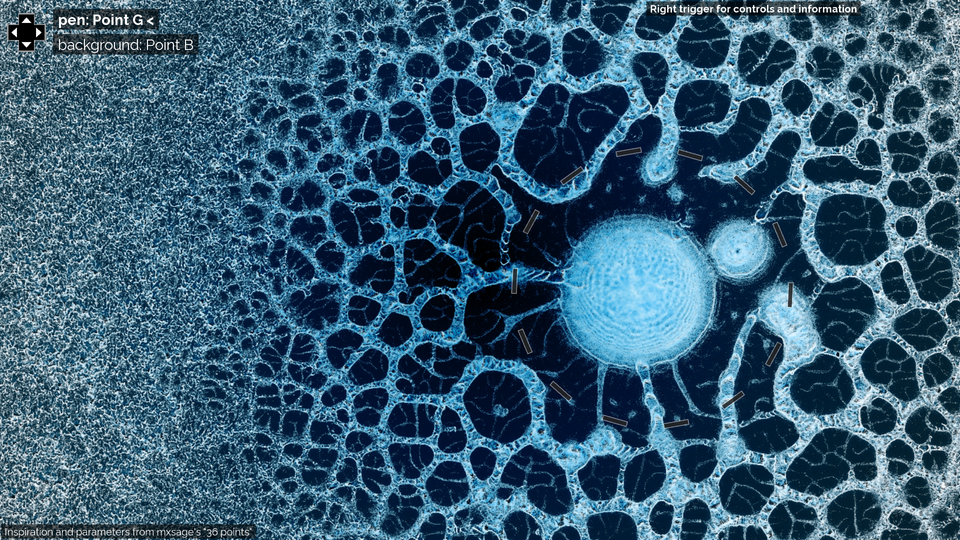
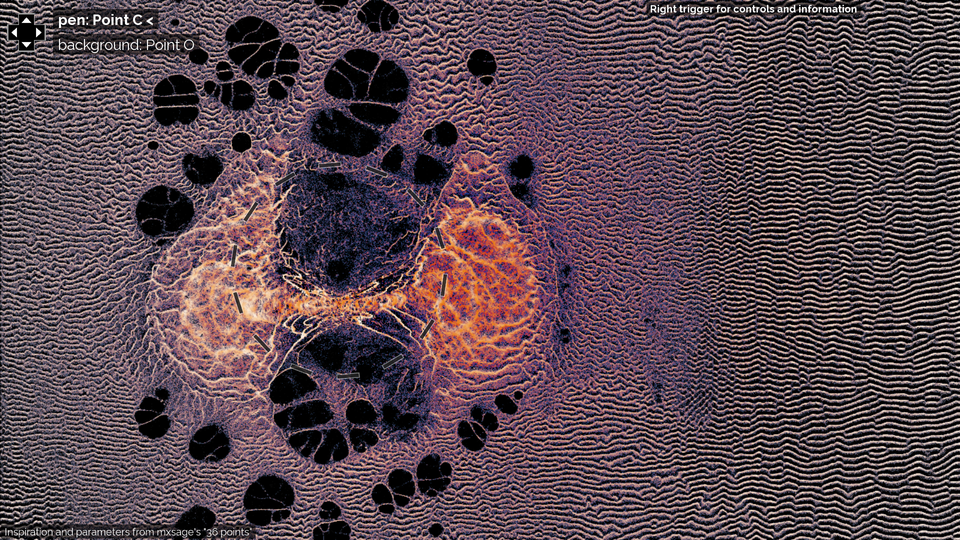


See end of readme for more screenshots.
Video
(there was a significant update on colors since this video was made)
How to compile and run
This project is using openFrameworks.
ofxGamepad addon is used (I think you should use this fork because of some fixes, or just to have same version). I’m only testing on Linux, and I bet that if there’s a problem on other platforms it would be because of this gamepad code.
In case you’re new to openFrameworks, here’s how you can launch the program: put the ofxGamepad repo in oF/addons/ and the interactive physarum repo in oF/apps/myApps/ where oF is your openFrameworks directory. Then at the root of interactive-physarum, do make && make runin terminal.
There is a branch “no-gamepad” without gamepad code (git checkout no-gamepad), it’s there in case the gamepad code is responsible for some compilation errors.
Mouse and keyboard interaction is explained later below.
The current best branches are install-2 and install-3 though text is in french. It’s high resolution with up to 2 players/gamepads.
Some context to understand the technique
The simulation algorithm is a more advanced version of the physarum simulation algorithm described by Jeff Jones in this paper.
Sage Jenson’s approach is to control the original physarum simulation parameters of a particle based on some current sensed value at the particle’s position. The original physarum simulation parameters are sensor distance, sensing angle, rotation angle and move distance. Particles also respawn at a random place after some time.
I’m introducing many things on top of this simulation algorithm:
- Mainly spatial interpolation between the parameters of 2 Points. That introduces a lot of possibilities of interaction, and new behaviours.
- interaction to move particles
- interaction to spawn particles
- particles keeping their inertia
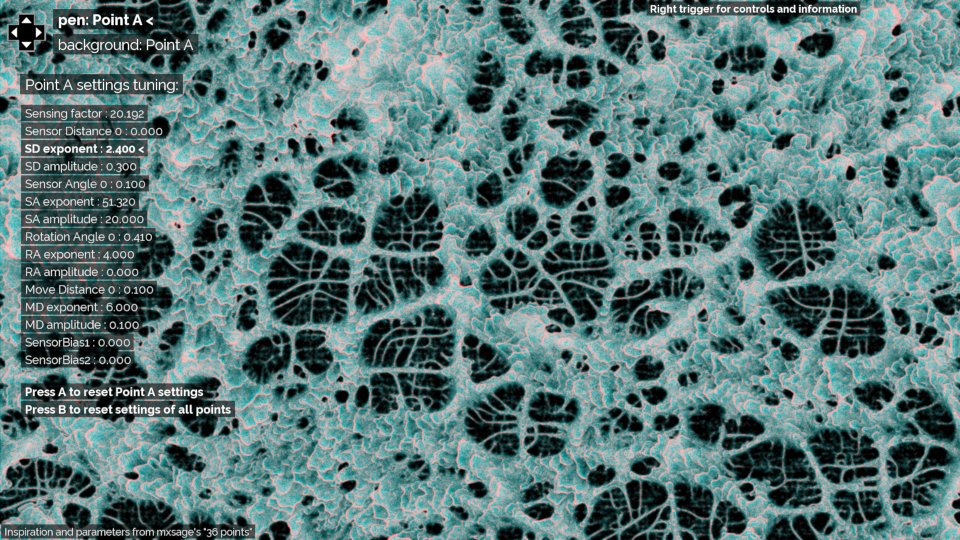
- possibility to tune the parameters of each point
- color experiments
The way particles add trail is different compared to 36 points and it can result in different behaviours. ______
The compute shader code of this implementation is in bin/data/shaders/
computeshader_move.glsl : Main shader: updates particles, increases a counter on the particle’s pixel position.
computeshader_deposit.glsl : Add trail from particle counter on pixel. Also gives the displayed image, from trail image and count on pixel.
computeshader_diffusion.glsl : Blur step on trail map (diffusion), and applying the decay factor.
computeshader_setter.glsl : Just used to reset the counters of the pixels to 0 at each iteration.
Interaction with gamepad
It’s designed for xbox gamepad.
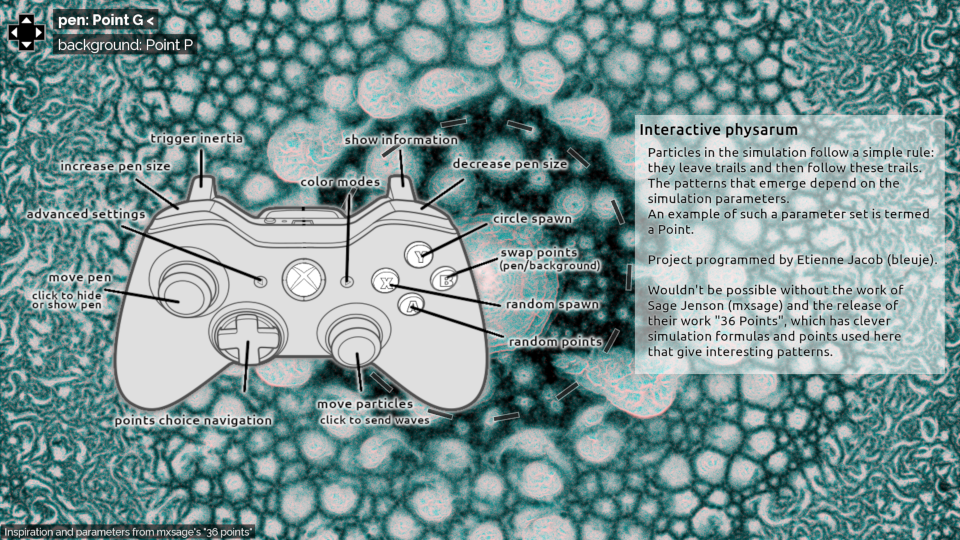
- Have a “pen” with location controlled by a joystick. The area near the pen has different simulation parameters compared to background: linear interpolation of parameters is done between pen and background. A 2D gaussian function is used to set the interpolation parameter (1 on pen center, almost 0 far from the pen). The size of the pen is the sigma of the gaussian function, and the user can control it.
- The other joystick can displace particles near the pen area. Some noise is used for better looking displacement.
- simulation parameters of pen and background areas can be chosen with pad controls, there are currently 17 default points.
- button to set random points choice
- button to swap the points of pen and background
- button for spawning of particles in few locations near pen
- button for circular particles spawning
- button to decrease the pen size
- button to increase the pen size
- joystick click to display or not the pen
- joystick click to create wave (speed + sensing intensity)
- button for color style change
- button for points parameters tuning (advanced settings)
- left trigger: control the use of inertia in movement (speed updates instead of position updates)
- right trigger: information display
Advanced settings to be able to tune points and have different behaviours than default ones:
9 different color modes are available. (Thanks z0rg for some help with the colors.)
Interaction with keyboard and mouse
It also has interaction without connected gamepad
- Pen location with mouse position
- particles spawning with mouse clicks, waves triggered with middle click
- keyboard arrows: points choice navigation
- R or Spacebar: set random points
- S: swap pen/background points
- D/F: paricles spawning
- X/C: change pen size
- P or H: hide/show pen
- W: trigger wave
- A: change color mode
- 5: points parameters tuning (advanced settings), with arrow keys
Versions with less computation
I made a branch “light-compute” that uses less particles and has smaller simulation canvas, for lighter computation (git checkout light-compute)
@frguthmann is providing help on optimization (but only the easiest optimizations are done so far).
More screenshots